
What is a Digital Twin?
A digital twin is a physics-accurate virtual copy of a real machine — one you can build, move and test on your computer before a single part is cut. For machine builders and OEMs, that means catching mistakes in software, where they cost minutes, instead of on the shop floor, where they cost weeks.
What a digital twin is (and is not)
A digital twin is not a dashboard, and it is not a 3D marketing render. It is a working model of your machine's mechanics and behaviour:
- The real geometry of your machine, imported from an FBX or GLB export
- Moving parts — conveyors, actuators, rotary tables, grippers, saws — that actually move
- Physics: parts have mass and collision, so a conveyor genuinely carries a product and a stop genuinely stops it
- The same control logic and I/O that will run the real machine
If it only shows numbers, it is a dashboard. If it only looks pretty, it is a render. A twin behaves.
Why machine builders care
Traditionally you find out whether a machine works when you build it. Sequencing bugs, reach problems, collisions and timing errors surface during on-site commissioning — the most expensive place to find them. A digital twin moves that discovery forward:
Validate the sequence
Prove the mechanical sequence before fabrication, not after.
Test the logic
Run your real control logic against a moving machine, not a spreadsheet.
Build in parallel
Develop the HMI and train operators while the steel is still being cut.
Show the customer
Demonstrate a working line before it physically exists.
How it works in practice
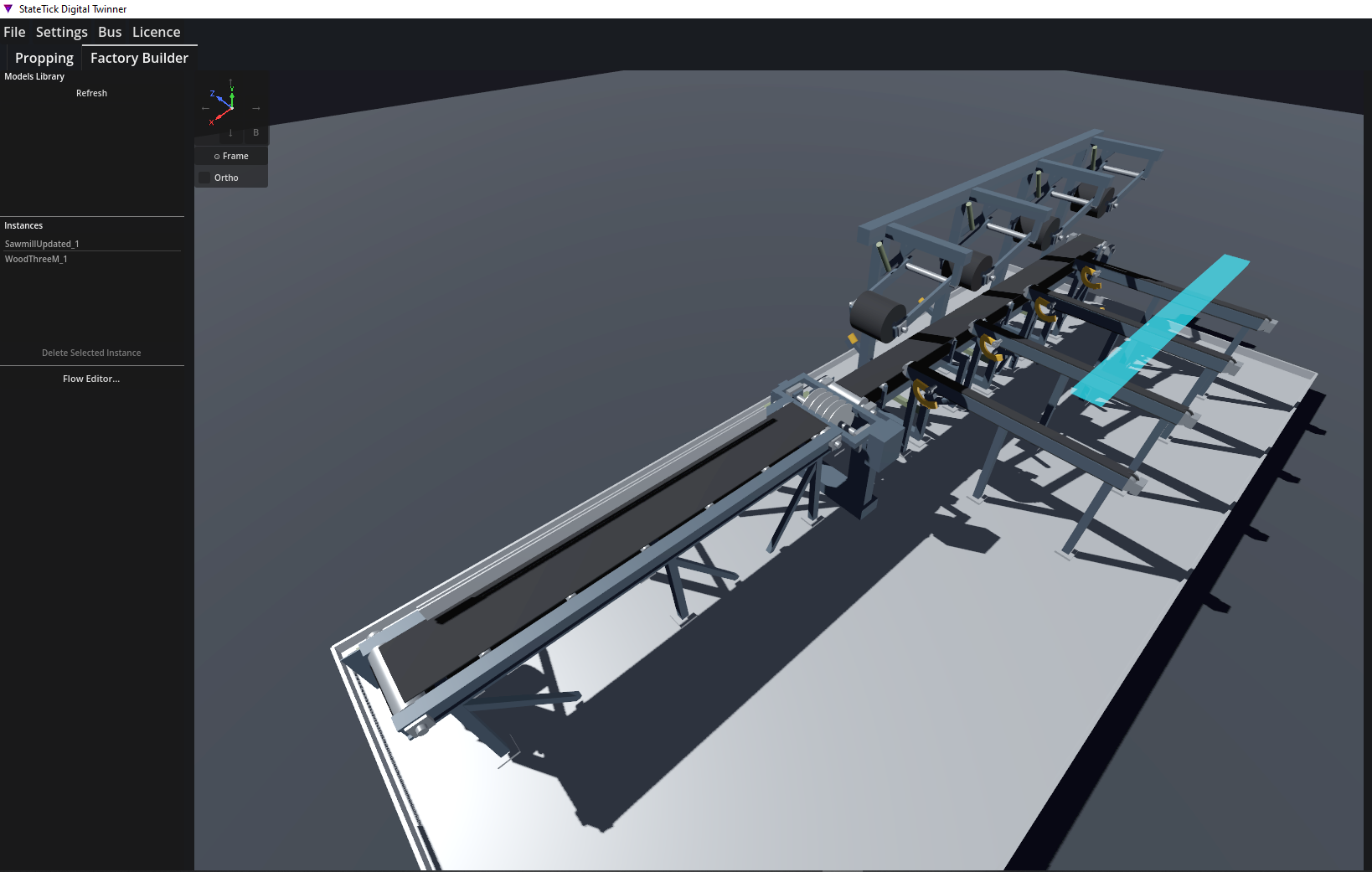
In TwinTick the workflow is deliberately simple: import your model from an FBX or GLB export; mark the moving parts and attach motions (rotation, conveyor, sliding, pneumatic, clamp and more); place sensors and spawners so product flows through the machine; assemble multiple machines into a full line in the Factory Builder; then connect the twin to your live control logic over the bus.
The sawmill above is a real example, built exactly that way.
The payoff
A digital twin turns commissioning from a gamble into a rehearsal. You launch already knowing the machine sequences correctly, the logic is right and the operators know the panel. That is the difference between a launch and a firefight. The natural next step is virtual commissioning — running that logic against the twin before the machine exists.
Build your first digital twin
StateTick and TwinTick let you twin a machine from a model you already have, and drive it with real control logic.
Get Started →