 StateTick
Watch it work.
Mechanical Fault Injection & Scenario Testing
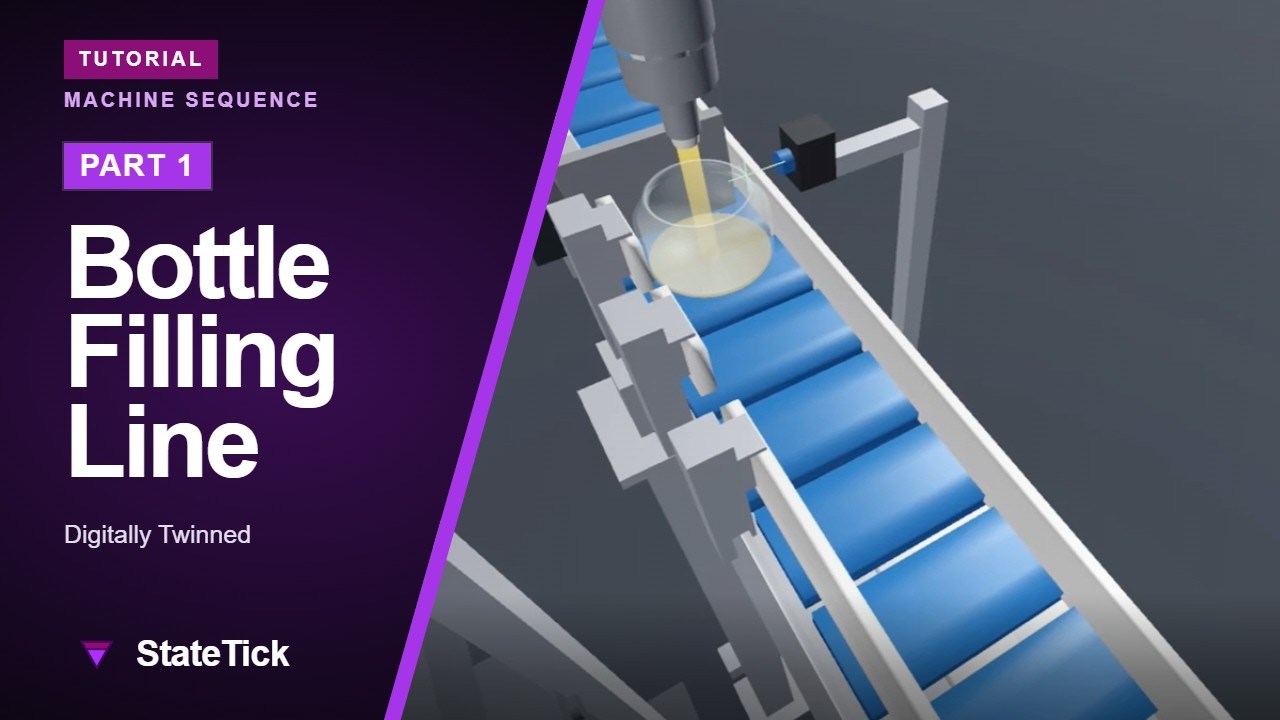
Break a bottle filling line on purpose — a conveyor that stalls, a nozzle that clogs, a sensor that lies — then test against a machine that fails.
5 parts: build the twin · program the sequence · automated testing · virtual commissioning · scenario testing. Press play, all five run in order.
Control Logic 101
Start here. Building a machine as states and the conditions that move between them — the drawing that turns out to be the program.
Test Manager, Reports & Coverage
Write the tests, run the suite after every change, and read a coverage report that names the transitions nobody ever tried.
Digital Twin with TwinTick
The same control logic, driving a 3D model of the machine. You watch the sequence run, and find the ordering mistakes while the real machine is still on a drawing.
EtherCAT, and the Machine That Isn’t Wired Yet
Real EtherCAT I/O driven by StateTick — and what to do about the half of the machine that has no sensors on it yet. The twin stands in for the hardware that has not arrived, so the same logic runs against real drives and simulated ones at once.
HMI Builder with Touch Studio
Building the operator panel against the controller’s own variables — so the panel and the logic cannot disagree about what anything is called.
Abort & Interrupt
Every real machine gets stopped, held and resumed. In StateTick that is behaviour the controller provides, not scaffolding you rebuild around every sequence.
AI end to end? AI CAD that runs tells the 12-minute dosing and packing video as a story, screenshot by screenshot.
New here? What is StateTick is the written version of the whole picture — the controller, the ecosystem and the four ways into it.
Want the detail? Every feature above has an article, linked under its video.